
Review import formats
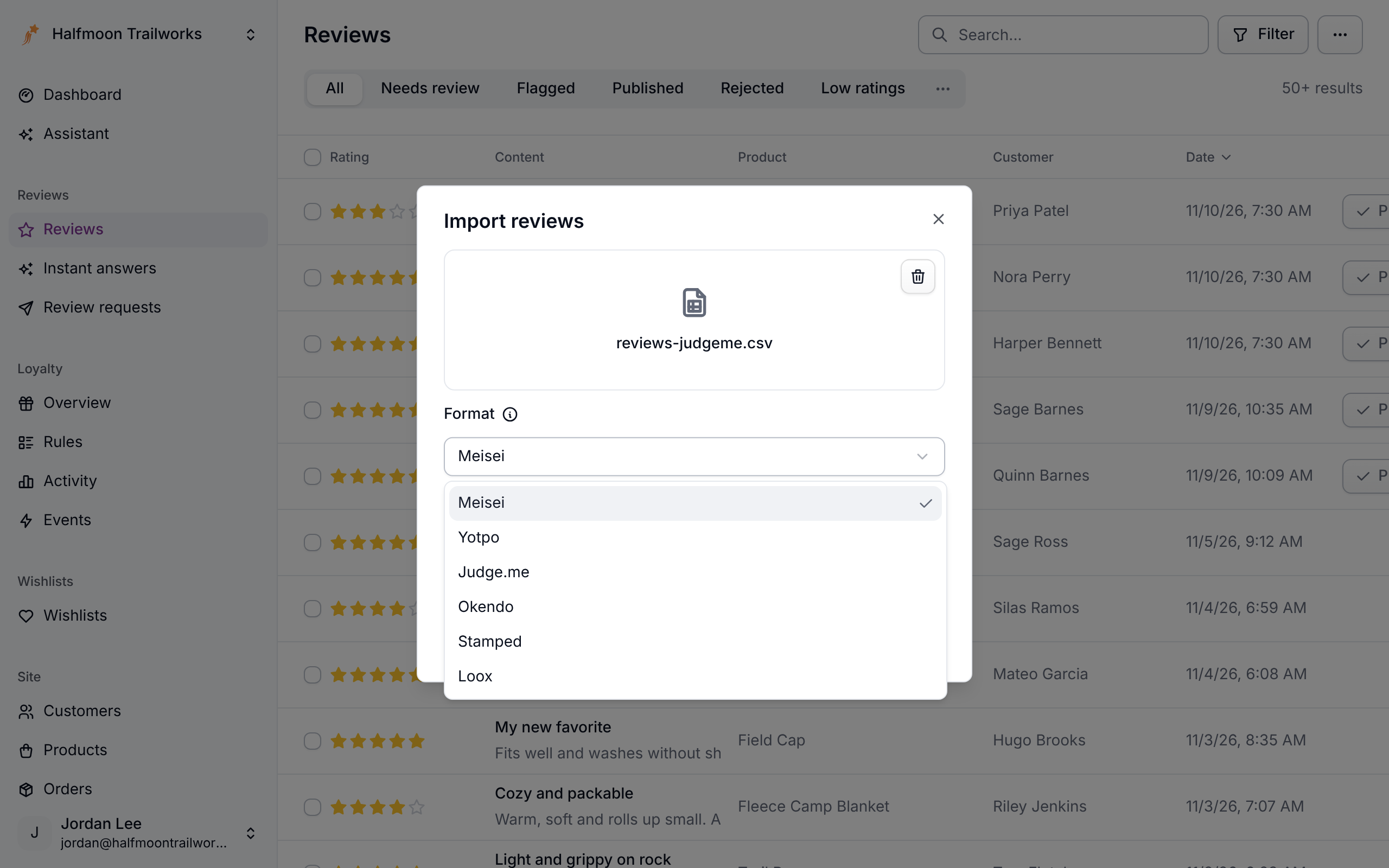
This page lists what comes across when you import a Yotpo, Judge.me, Okendo, Stamped or Loox export with Format set to that app, and what doesn't. For the steps, see Importing reviews.
These mappings were written from each app's published documentation, not from a real export file. Compare the table for your app against your own export before you upload. If a column name differs, tell us and we'll fix it; in the meantime, rename the column in a spreadsheet, or reshape the file and use the Meisei format.
Every format works like this:
- Meisei reads the file as the format you picked. It refuses the file if the columns don't match.
- Column names are matched loosely.
Product Handle,product_handleandproductHandleare the same column. - Skipped columns are listed. The import job lists every column the mapping doesn't carry across, with the reason.
- Meisei's own
sitecolumn is accepted alongside, for stores that sell the same catalog on more than one site. - No app's documented export says which reviews were rewarded, so imported reviews arrive without the Rewarded review label. Mark the ones you rewarded afterward, on each review's page. See Mark a rewarded review.
Yotpo
Yotpo identifies products by ID rather than handle, so connect your Shopify store first, or
make sure product_url points at pages whose last path segment is your product slug.
Check the deleted column. Meisei imports every row, so an export that still carries
deleted reviews brings them back. Filter them out in a spreadsheet first.
Judge.me
Judge.me exports the Shopify handle, which is Meisei's product slug, so this migration works with or without a connected store.
Custom question answers aren't imported. Meisei has no field for Judge.me's
"How did it fit?" answers. If you need them, copy the columns into a metadata column of
JSON before you upload.
Okendo
Okendo identifies products by Shopify ID, so connect your store first.
Okendo often exports media separately. If your export has no media column, the photos
are in a second file keyed by review ID. Join the two in a spreadsheet into one media
column of comma-separated URLs before you upload, or import the reviews now and their
photos later with a two-column file of externalId and imageUrls.
Okendo attributes (fit, size, your own questions) have no field in Meisei, the same as Judge.me's custom questions.
Stamped
Loox
Loox exports the Shopify handle, so this migration works without a connected store.
When Meisei refuses the file
If the columns aren't the format's, nothing is imported and the job says what it looked for and what it found:
Usually you picked the wrong format or downloaded the wrong export. Fix whichever it was and upload again.